How to make an animated Telegram profile picture: video profile, size and Discord differences (2026)
Setting an animated (video) profile picture on Telegram: preparing a square video, length, loop and choosing the cover frame; how Discord and Kick differ, and getting an animated profile made from your own character.
To set an animated profile picture on Telegram, go to Settings → profile photo → Set photo or video, pick a short square video, crop and trim it in the editor, choose the cover frame and save. For it to look good, the video should be 1080×1080, a seamless 3–10 second loop, with the face or logo centred — Telegram crops to a circle.
Preparing the video
| Spec | Value |
|---|---|
| Size | 1080×1080 (at least 512×512), square |
| Format | MP4 (Telegram, Instagram) · GIF (Discord, forums) |
| Length | 3–10 s loop |
| Framing | Face/logo centred, 15% margin at the edges |
| Sound | None (profile videos play muted) |
Loop rule: the first and last frames end on the same pose. Small moves — a wink, a smile, hair movement, drifting light — make the cleanest loops. Big head turns spill out of the circle.
Step by step: Telegram
- Telegram → Settings.
- Tap your profile photo → Set photo or video / Change profile photo.
- Pick the video from your gallery.
- Crop: keep the face centred in the square.
- Trim: set the loop's start and end on the timeline.
- Cover frame: the frame shown when the video isn't playing — pick the sharpest one with eyes open.
- Save. Check it small in the chat list and large on your profile.
Discord, Kick and others
- Discord: an animated avatar must be a GIF and needs Nitro. 512×512 GIF, under 8 MB, square. On a free account the first frame shows as a still — so the first frame should look good on its own.
- Instagram/WhatsApp: profile pictures are still; animated profiles get shared there as Reels or status videos.
- Kick/Twitch: the profile picture is a still square; motion lives in emotes, alerts and screens.
Make the animated profile once and keep it in three formats — MP4 + GIF + still PNG — and every platform is covered.
An animated profile from your own character
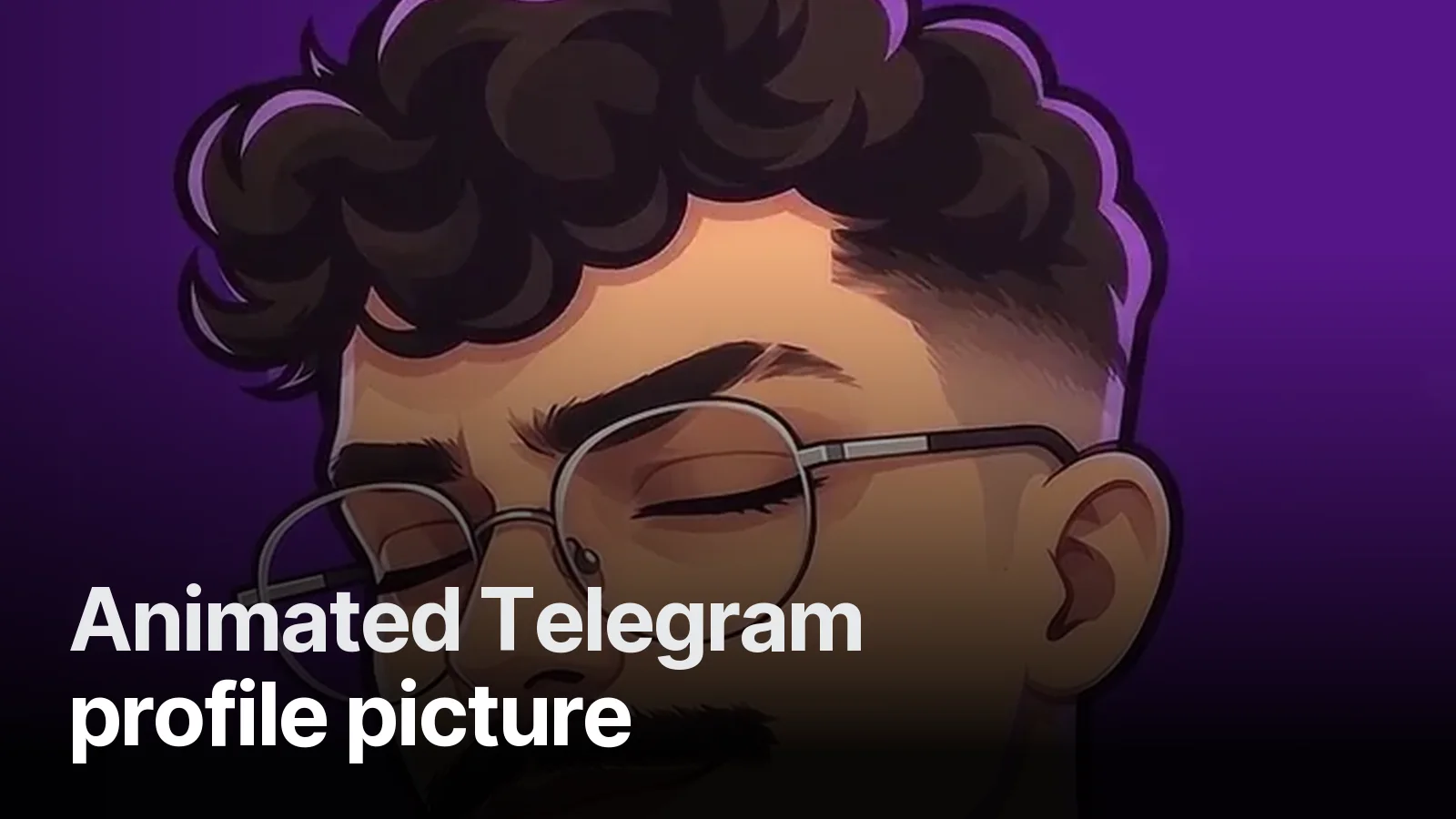
For Yektaunlu the channel character's portrait became an animated profile: the bespectacled character winks on a purple background in a 4-second loop. It was delivered as a 1080×1080 MP4 and a 512×512 GIF; the same character appears in the emotes and stream screens, so the Telegram profile and the Kick channel feel like the same person.
General guide and examples: animated profile picture. To get an animated profile made from your character, send us your photo or current logo on WhatsApp — we do it as a single job as well as inside our streamer packages.
Frequently asked
1.How do I set an animated profile picture on Telegram?
In Telegram Settings, tap your profile photo, choose 'Set photo or video' and pick a short video from your gallery. Telegram asks you to crop it square and trim it, and lets you pick the still cover frame. Save it and your profile picture is animated.
2.How long can a Telegram video profile be?
Telegram keeps profile videos short and has you trim them in the editor; in practice 3–10 second loops work best. Trimming a long video yourself beforehand avoids quality loss.
3.What size for an animated profile?
Square, 1080×1080 (at least 512×512) MP4. Telegram and other platforms crop to a circle, so keep the face or logo centred; the corners won't show.
4.Are animated profile pictures free on Discord?
No, animated (GIF) avatars on Discord need Nitro. On Telegram the video profile is free. That's why the same animated profile should be prepared as both MP4 (Telegram, Instagram) and GIF (Discord, forums).