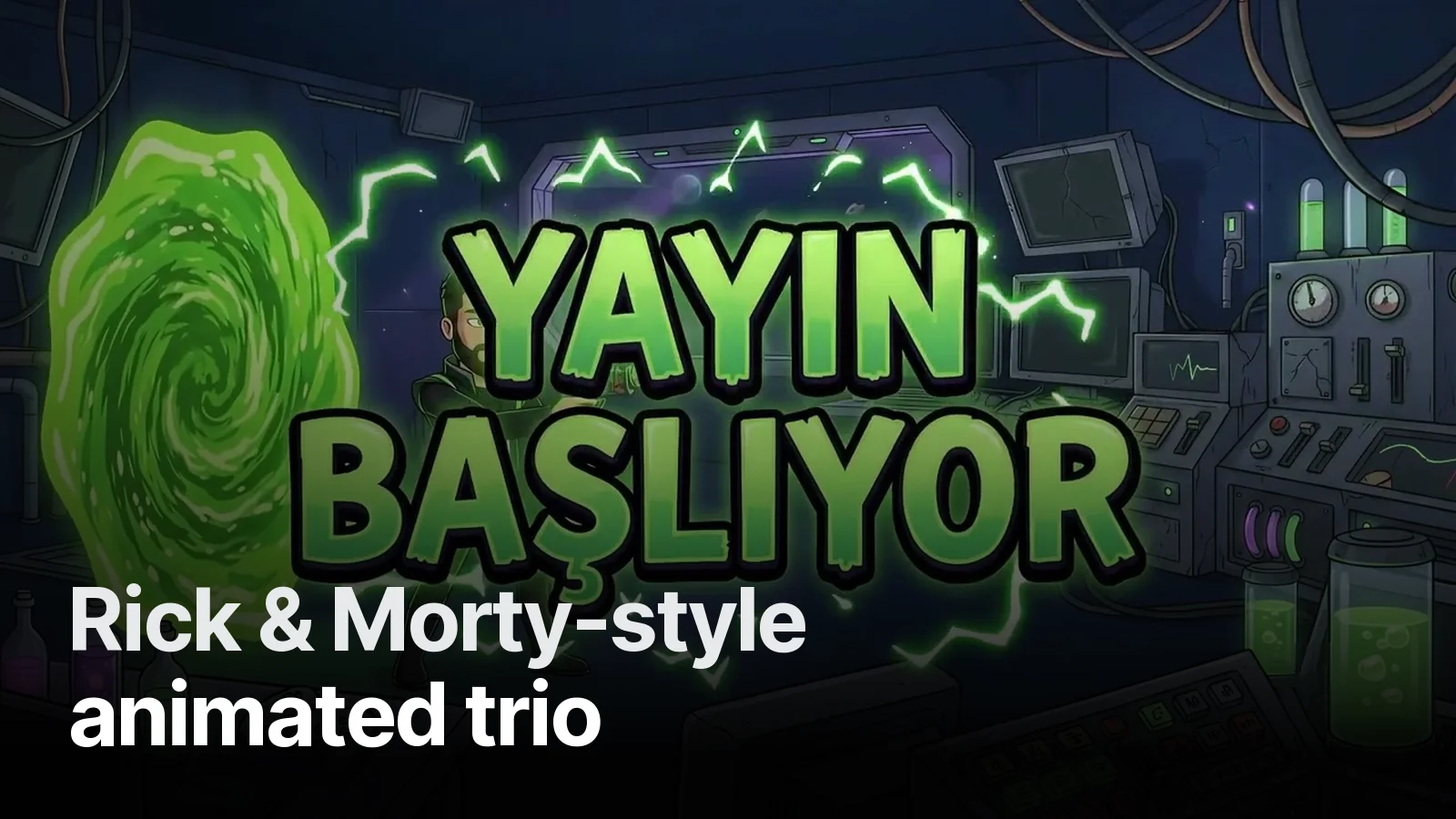
Animated stream intro and stinger transition examples: 8 real channels
What makes an animated Starting Soon screen and a stinger transition work? Eight real examples — a statue waking on a throne, a portal between rune pillars, two colliding lightning beams — and the rules behind them.
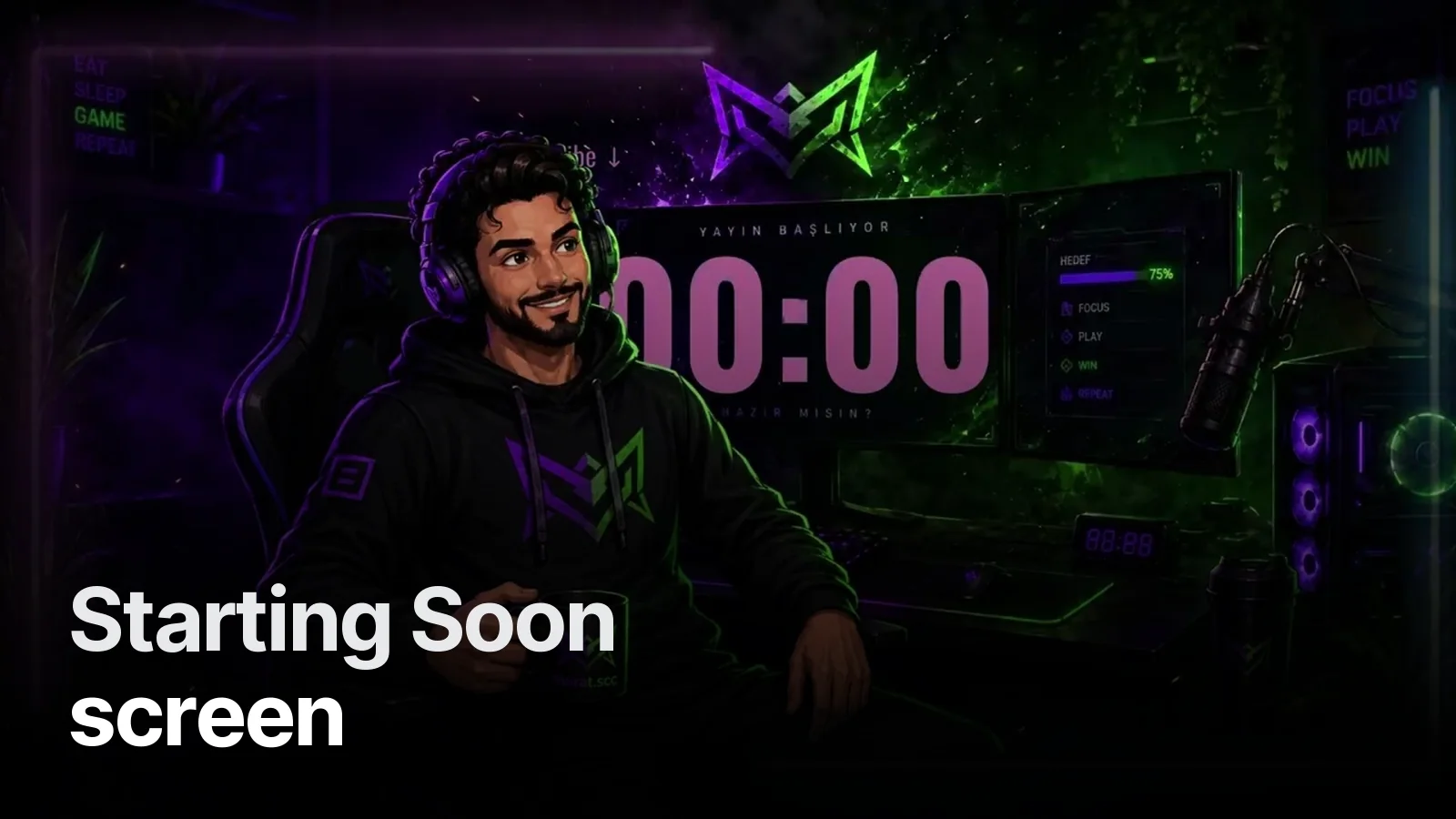
The first three minutes of a stream decide whether a new viewer stays. A moving Starting Soon screen tells them something is about to happen; a stinger makes every scene change feel produced. Here are eight we built in 2026, all playable on their project pages.
Starting Soon / intro screens
- ChristianBoys — a marble-and-machine statue wakes on his throne; blue energy runs through the cracks and the channel name locks in.
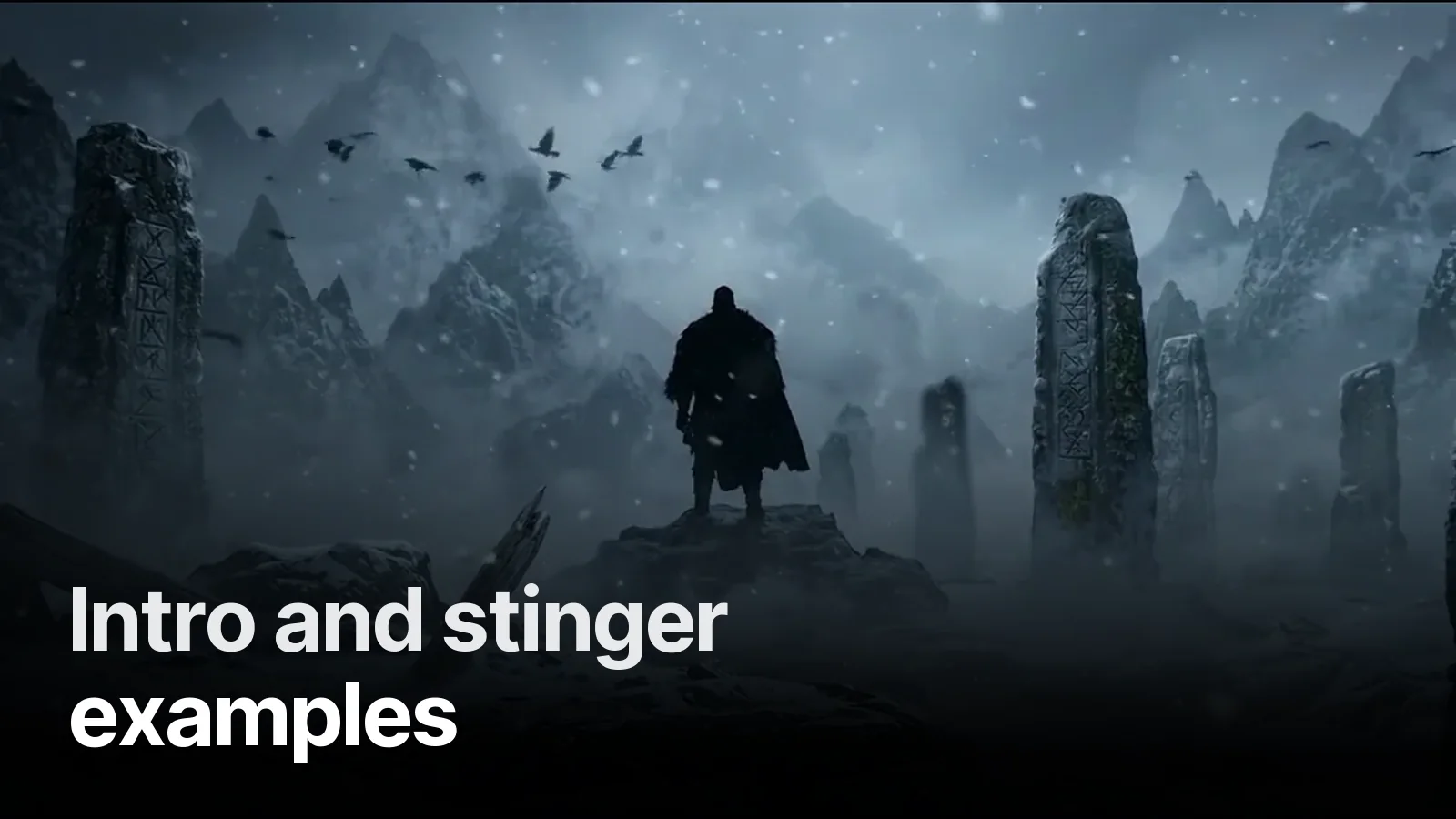
- Vesvese — a cloaked Viking walks through a snowy valley of rune stones; the name forms in ice at the end.
- xB2TU — a soldier mascot walks out of an explosion and turns to camera.
- UzgunTrakyali — the character’s sunglasses flare and throw sparks.
- YSNAKBS — a slow push-in through smoke and lightning.
- Çaça — the streamer and his dog walk out of a lightning tunnel; the team logo lands.
- Uğur Beşli — a monogram glowing like hot metal through smoke.
- SadoBASGAN — a 3D character in a neon room with a flickering sign.
Stinger transitions
- ChristianBoys — marble panels slide shut over the screen and open on the new scene.
- Vesvese — a portal opens between two rune pillars and bursts to white.
- UzgunTrakyali — a blue beam and a red beam collide in the middle.
- YSNAKBS — an energy rift tears open across the screen.
What makes them work
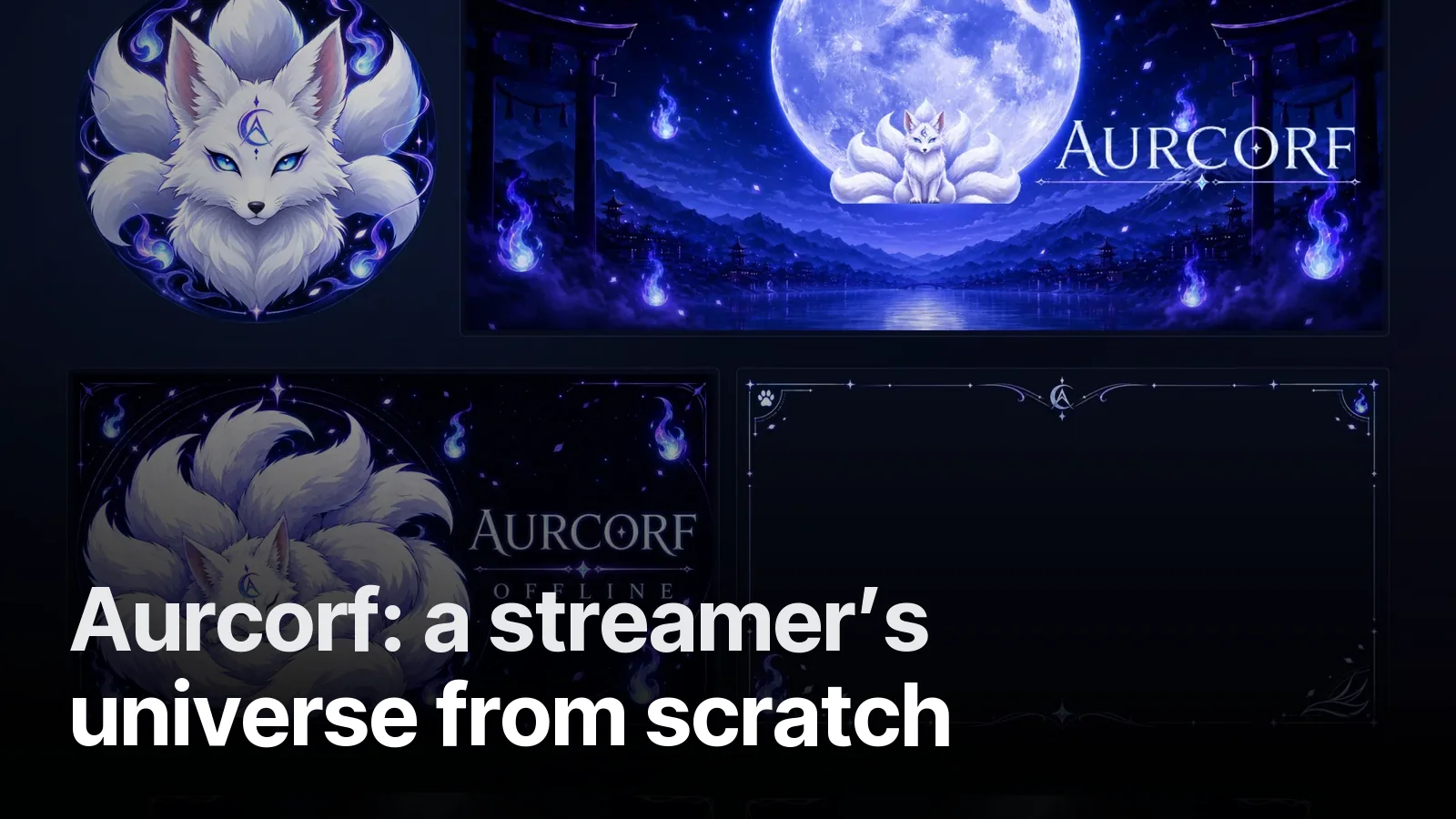
- The idea comes from the identity. The statue wakes because the offline screen shows him asleep on the throne; the Viking walks because the banner shows the valley. Motion continues the story the static pieces started.
- The loop is invisible. A Starting Soon plays dozens of times while viewers arrive; the last frame flows into the first.
- The stinger covers fully in the middle. That frame is where OBS switches scenes, so the cut is never seen.
- Sound stays underneath. A hit on the stinger, a low bed on the intro — the streamer’s voice is always louder.
How to set a stinger up in OBS: stinger transition in OBS. More stream work: stream projects.
Frequently asked
1.How long should a stream intro be?
Most Starting Soon loops run 8–10 seconds and repeat while viewers arrive; a logo intro that plays once is 4–8 seconds. A stinger transition is shorter: 1–3 seconds, with the full-cover moment in the middle so OBS can switch scenes behind it.
2.What format is a stinger transition?
A WebM with an alpha channel (or MOV with alpha) so the edges stay transparent, plus the exact frame where the screen is fully covered — that is the transition point you enter in OBS.
3.Do I need sound on my intro and stinger?
Yes, but quiet. A short whoosh or hit on the stinger and a low ambient bed on Starting Soon; never louder than your voice.
4.Can you animate my existing channel art?
Yes. If you already have a banner or character, we animate it into an intro and stinger in the same style; if not, we design the identity and the motion together.