Hiring a stream designer online: how it works from brief to OBS (2026)
Ordering custom Twitch, Kick, YouTube or TikTok LIVE graphics from a studio abroad: what to send, how previews and revisions work, delivery times, file formats and setup — the whole process, step by step.
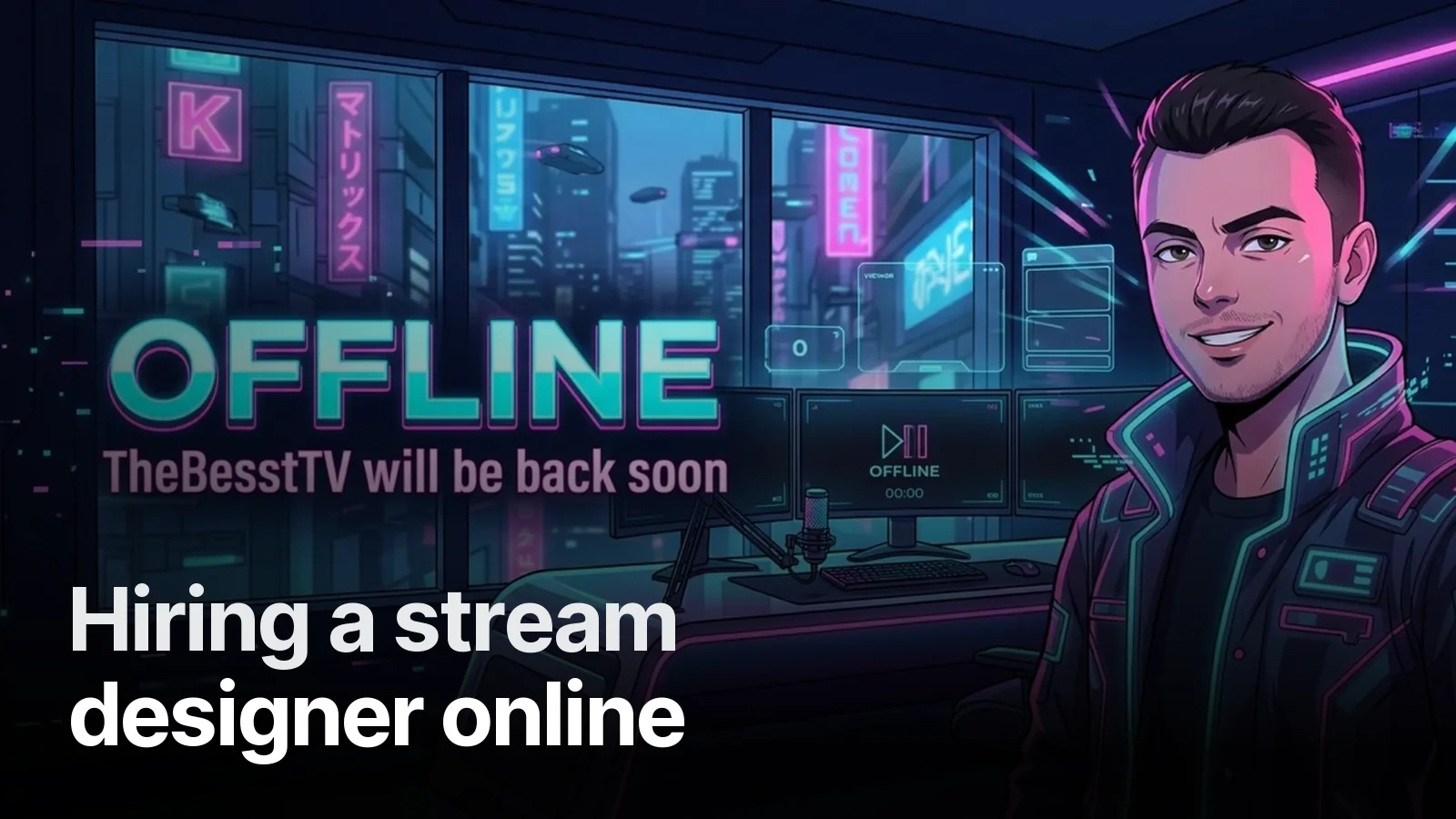
You found a style you like, the designer is in another country, and you have never ordered stream graphics online before. Here is exactly how it works with us — the same process behind channels like TheBesstTV, ChristianBoys and the TikTok LIVE pack for Erdinç Yağcı.
1. One message
Write on WhatsApp with your channel link. Time zones are rarely a problem: we are in Antalya (UTC+3), which overlaps with Europe all day and with the Americas in the morning and evening.
2. A short brief
We ask five things:
| What | Why |
|---|---|
| Channel name, exact spelling | It goes on every piece |
| Games you stream | Colours, mood, mascot gear |
| 2–3 photos (optional) | If you want a character of yourself |
| 1–2 styles you like | Fastest way to agree on a direction |
| Platform(s) | Twitch, Kick, YouTube, TikTok LIVE sizes differ |
3. Payment via Wise
Once the package and brief are agreed, we send Wise payment details. You pay from your own currency — euro, pound, dollar or anything Wise supports — and Wise handles the conversion with a small, transparent fee.
4. Direction first, then the set
The first preview is the core idea — usually the character or the banner. Once that is right, the rest follows quickly: offline screen, overlay, panels, emotes, badges. Changing direction after the full set is built is slow; changing it at the first preview is free.
5. Revisions
Every package includes revisions. The useful ones are specific: “bigger name on the offline screen”, “the angry emote needs more anger”. We point out readability problems ourselves — for example, an emote that disappears at 28 pixels.
6. Delivery and setup
You get a download link with:
- PNGs at the exact platform sizes (overlay 1920×1080, panels, emotes 112/56/28, sub badges 18/36/72)
- MP4 for Starting Soon / Be Right Back / Ending screens
- Alpha-channel WebM for stingers and animated overlays, with the transition point noted
- Layered source files
Setup notes cover OBS, Streamlabs and TikTok LIVE Studio; larger packages include help placing everything in your scenes.
Before you order, look at finished channels
The best predictor of what you will get is what others got: 16 real streamer identities, animated intros and stingers, and the full list on stream projects. Packages and USD prices: streamer packages.
Frequently asked
1.Do you work with streamers outside Turkey?
Yes. Everything happens online: the brief and previews on WhatsApp, files by download link. English-language packages are priced in USD on the streamer packages page, and payment is made via Wise.
2.How do I pay from abroad?
Via Wise. Once the package and brief are agreed on WhatsApp, we send the Wise payment details; you pay in your own currency and Wise handles the conversion with a small, transparent fee.
3.What should I send to start?
Your channel link, your channel name exactly as it should appear, the games you play, two or three photos if you want a character of yourself, and one or two styles you like. That is enough for a first direction.
4.How long does delivery take?
From 36 hours for the smallest package to 5–7 days for the full animated set, counted from a complete brief. You see previews along the way, and every package includes revisions.
5.Will it work in OBS / Streamlabs / TikTok LIVE Studio?
Yes. Static pieces come as PNG at platform sizes, animated screens as MP4, stingers and animated overlays as alpha-channel WebM, with a short setup note. Larger packages include scene setup help.