How to reduce the polycount of an AI-generated 3D model without wrecking the silhouette (mobile targets, 2026)
Getting an AI-generated (TRELLIS, Meshy, Tripo, Hunyuan3D) 3D model game-ready: quick reduction with Blender's Decimate, retopology, normal map baking, protecting the silhouette and triangle targets for mobile.
To reduce the polycount of an AI-generated 3D model without wrecking its silhouette: bring it into Blender, clean it up (duplicate vertices, internal faces), lower it with Decimate (Collapse) for static objects, retopologise characters that will be rigged, bake the lost detail from the high model as a normal map, and run a silhouette test from the game camera's distance. Rough mobile target: hero character 5,000–15,000 triangles.
Triangle targets for mobile
| Asset | Mobile | PC / console |
|---|---|---|
| Hero character | 5k–15k | 30k–80k |
| NPC / enemy | 2k–8k | 10k–30k |
| Weapon / held item | 500–3k | 3k–10k |
| Small prop | 300–2k | 1k–5k |
| Texture | 1024² (character), 512² (prop) | 2048²–4096² |
AI tools (TRELLIS, Meshy, Tripo, Hunyuan3D) usually output 100,000–500,000+ triangles. For mobile that means cutting more than 95% — doing it with a single Decimate destroys the silhouette.
1. Clean-up
- Mesh → Clean Up → Merge by Distance: merge duplicate vertices.
- Select → All by Trait → Non Manifold: find open edges and intersecting faces.
- Delete hidden faces left inside the model (common in AI output).
- Separate parts: eyes, clothing and accessories as their own objects can get their own budget.
- Fix scale and orientation (feet at y=0, forward axis for your engine), then Apply Transforms.
2. The quick route: Decimate (static objects)
- Modifier → Decimate → Collapse.
- Lower the ratio in steps: 0.5 → 0.2 → 0.1 → 0.05, checking the silhouette each time.
- To protect the silhouette: put edges and tips (ears, fingers, weapon tips) in a Vertex Group, pick that group in Decimate and tick Invert.
- For lots of flat surfaces (buildings, crates) Planar mode is cleaner.
- Finish with Triangulate; the engine works in triangles anyway.
Decimate leaves irregular triangles; fine for a prop that doesn't animate.
3. The right route: retopology (characters)
A rigged character's joints (shoulders, elbows, knees, mouth) must deform cleanly when they bend, which needs edge loops:
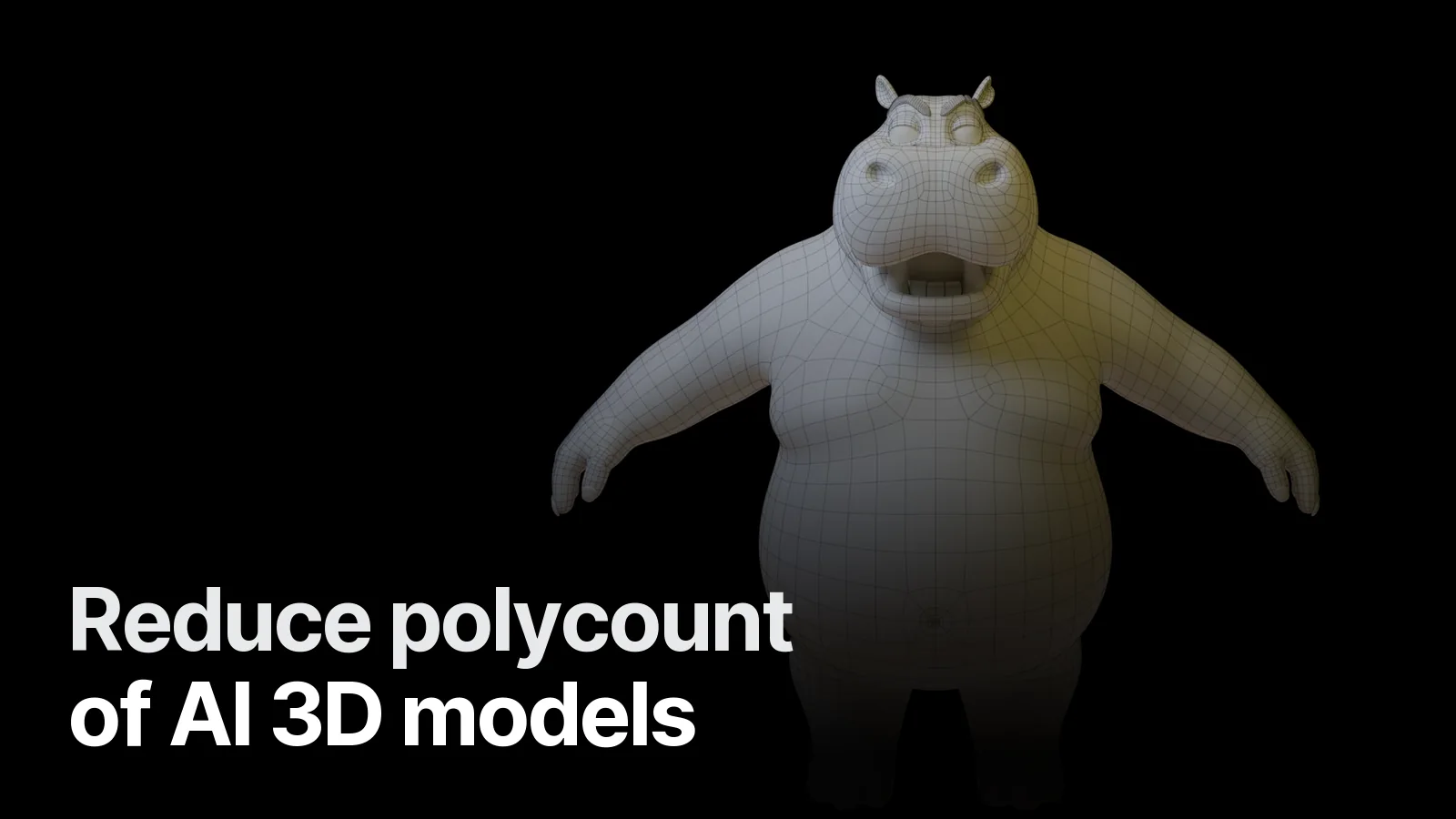
- Automatic: Quad Remesher, Instant Meshes or Blender's QuadriFlow → give a target face count, then fix the joints by hand.
- Manual: draw the low model over the high one with Shrinkwrap + Snap. Cleanest result, longest time.
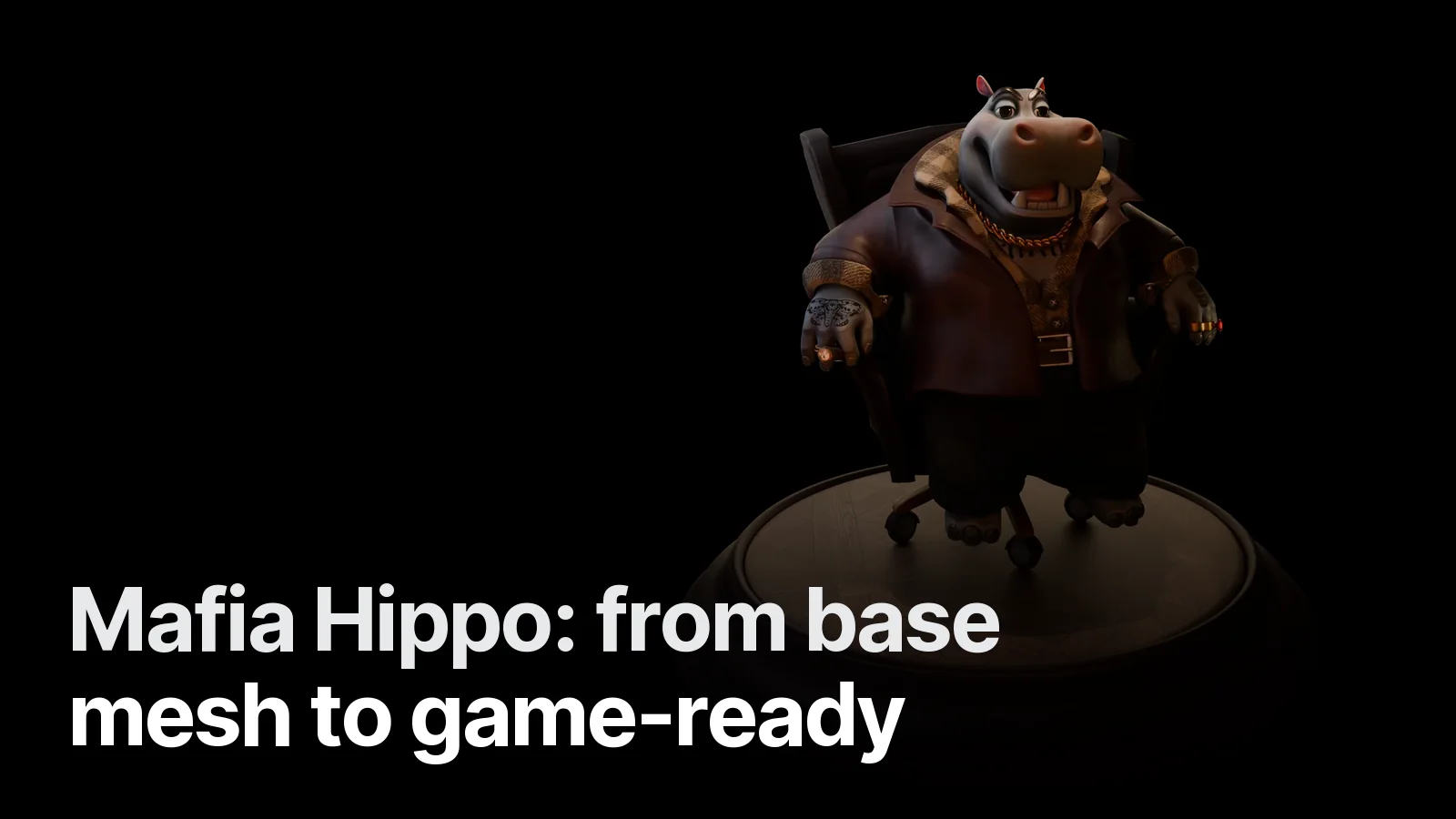
The Mafia Hippo went this way: base mesh → sculpt → retopo → PBR textures, with the wireframe on the work page. Process in detail: from base mesh to game-ready.
4. Win the detail back: normal map bake
- UV unwrap the low model (hand-placed seams waste less texture space than Smart UV Project).
- Set the high (AI) model as source and the low model as target.
- Cycles → Bake → Normal, Selected to Active, a suitable Extrusion/Cage distance.
- Carry the colour too: bake Diffuse (Color only) to move the AI texture onto the new UVs.
- If the AI texture has lighting/shadows baked in, clean them out; the engine provides its own light.
5. Silhouette test
- Render the model in flat black from the game camera's angle and distance.
- Overlay the old and new silhouettes. If ears, nose, fingers or a weapon tip disappear, give that area budget back.
- Make LODs for distance: LOD1 at 50%, LOD2 at 25%.
Why silhouette matters so much in games: character silhouette and readability.
When is modelling from scratch faster?
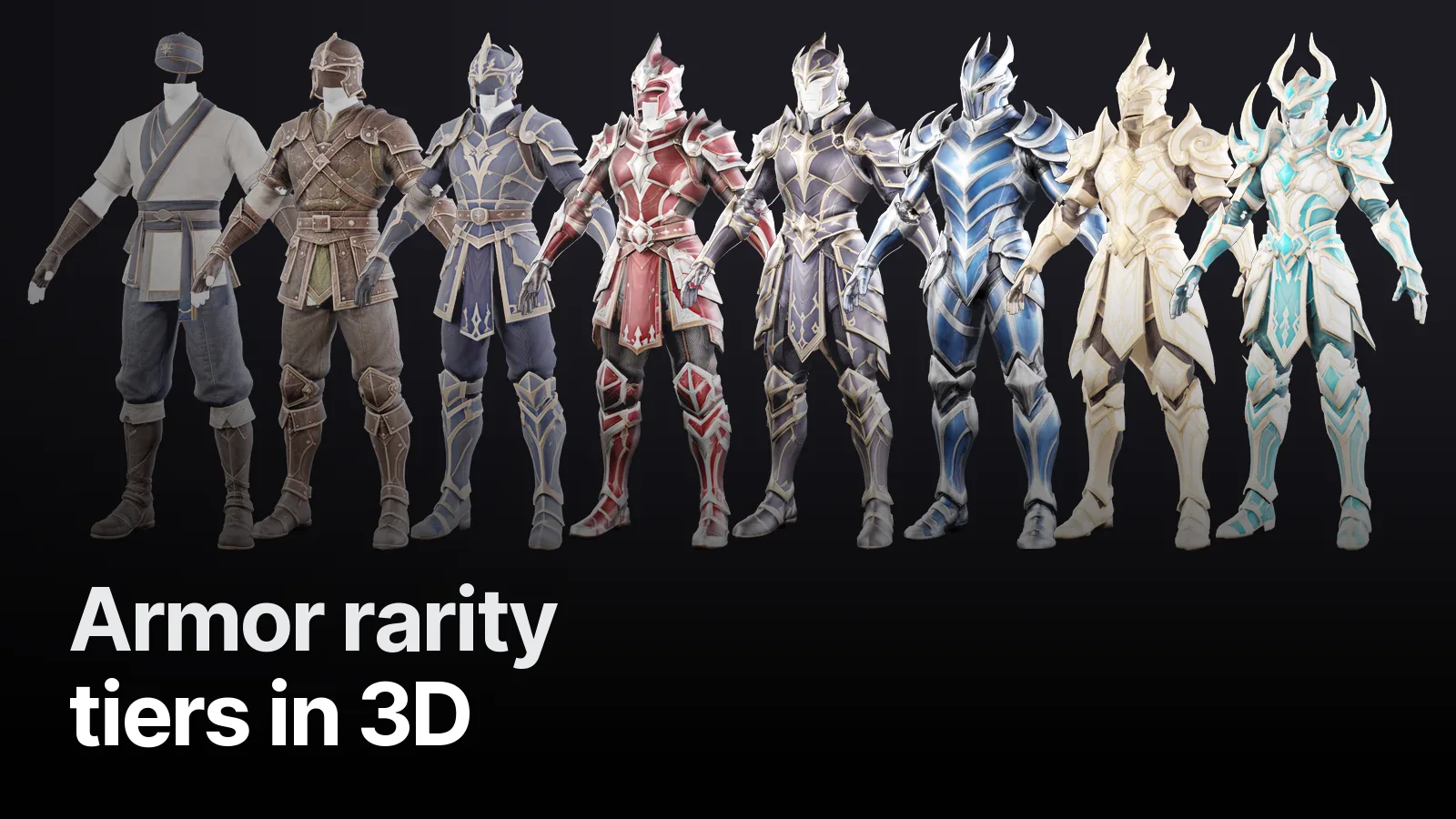
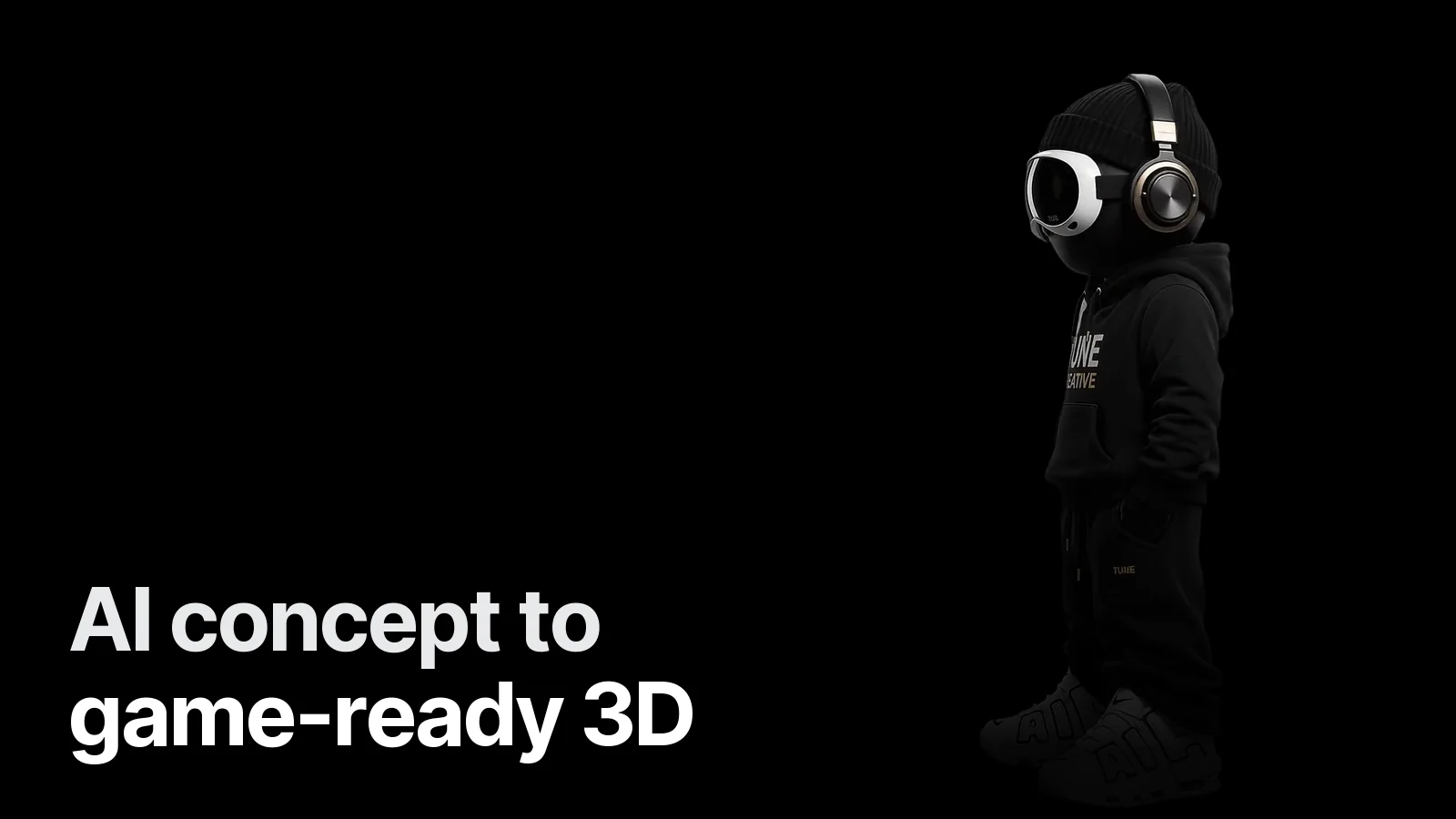
An AI model is a good start for concept and volume, but if the face, hands and clothing layers are tangled, cleaning can take longer than modelling from scratch. In the stylised animal characters the Doberman, tiger and duck started from sculpts and were delivered in T-pose with rig-ready topology. The full path from AI concept to game-ready character: AI concept to game-ready 3D. Checklist: game-ready 3D asset checklist.
If you have an AI model you want made game-ready, send the file on WhatsApp with your target engine and platform, and we'll come back with a quote on the game 3D side.
Frequently asked
1.How many polygons should a mobile game character have?
Rough targets: hero character 5,000–15,000 triangles, NPCs and enemies 2,000–8,000, small props 300–2,000. If many characters are on screen at once, go to the low end. The real limit is the engine and device's total budget — look at the scene, not one model.
2.Decimate or retopology?
For static props and distant objects Decimate (Collapse) is enough. A character that will be rigged and animated needs clean edge flow with loops around the joints, so characters need retopology (by hand or with Quad Remesher/Instant Meshes).
3.Don't I lose detail when the polycount drops?
The detail moves from geometry to texture: you bake a normal map from the high-poly AI model onto the low-poly one. Folds, seams and fabric wrinkles stay in the normal map; the silhouette stays in the geometry.
4.What are the most common problems with AI models?
Triangle soup (dense, irregular, directionless triangles), non-manifold or intersecting surfaces, one fused mesh (eyes, mouth and clothes not separate) and lighting/shadows baked into the texture. All of them get fixed on the way to game-ready.