From AI concept to game-ready 3D character: where it helps and where it breaks
Turning an AI-generated character concept into a usable 3D game model: the mesh, topology and texture problems of image-to-3D tools, retopology, projection baking, rigging and licence checks. Lessons from our own mascot.
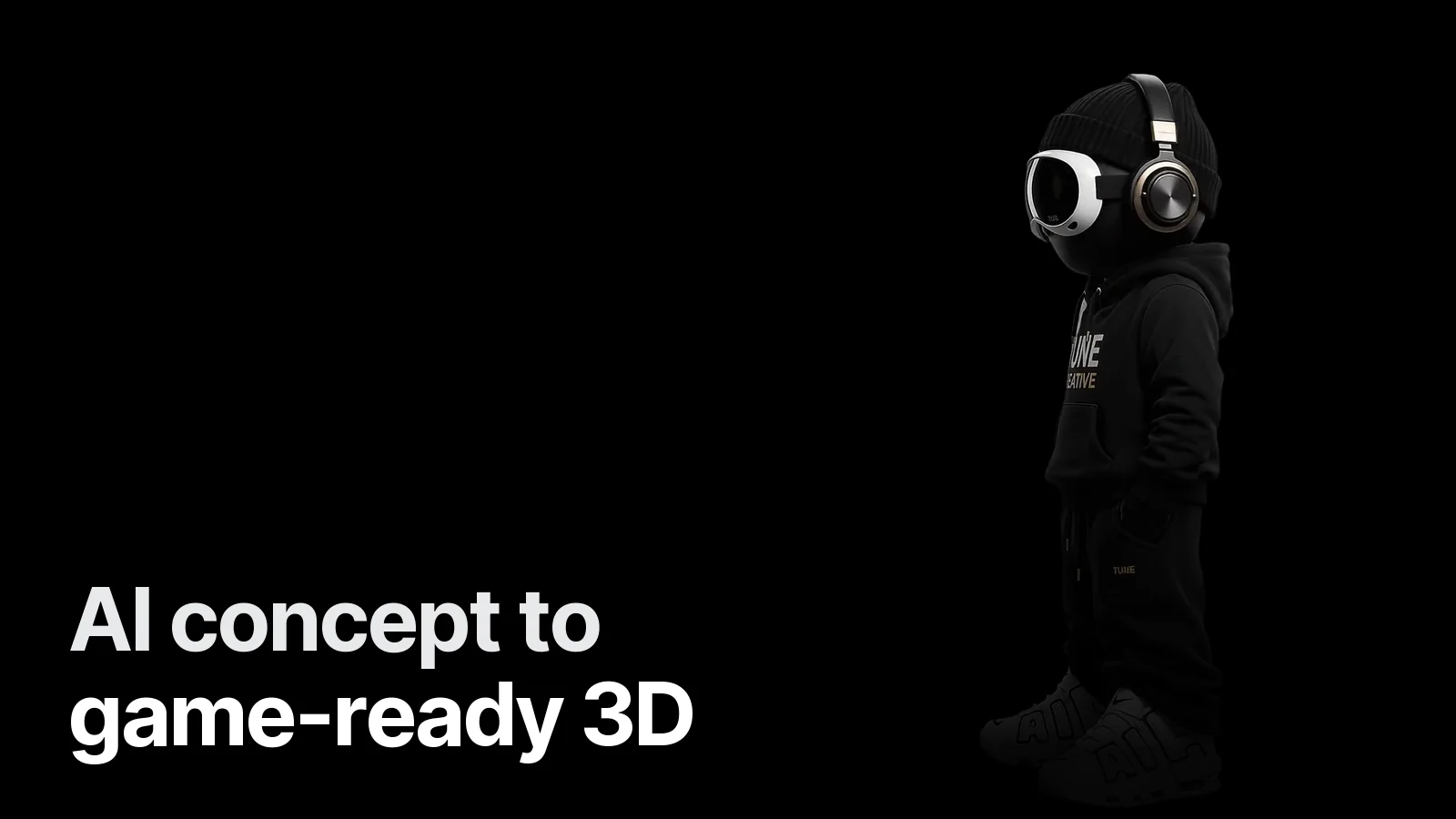
AI has sped up character concepting: seeing twenty different directions in an afternoon is now possible. But the road from "concept image" to "character running in the game" is still long. We walked it with our own mascot; the character turning on our home page is the result.
1. AI concepts: great for finding direction
Trials of style, colour, outfit and personality — this is where AI really saves time. The rule: lock the chosen concept. Regenerate the same character each time and it comes back slightly different each time. The chosen image becomes a clean 2D design and a turnaround (from 2D concept to 3D).
2. What image-to-3D tools give you
A textured mesh in minutes. That is how the first pass of our mascot arrived, and what we saw:
| Area | Result |
|---|---|
| Overall form | Good; body, trousers, shoes usable |
| Head, accessories | Crude; visor and headphones look melted |
| Text and logos | Blurry, unreadable |
| Topology | Irregular triangle soup, not fit for animation |
| UVs | Scattered, unfit for hand-painting |
3. Ways to rescue it
- Projection bake: the original 2D image is projected onto the model from a front camera and baked into the texture. On the mascot, this is what made the chest lettering and shoe details as sharp as the image. Trap: without shade smooth before export, the model looks faceted.
- Retopology: mandatory for a character that animates in-game. Clean edge flow, enough loops at the joints, a target poly budget.
- Rebuilding the head and details: hard-surface parts like visors, helmets and weapons are modelled separately and cleanly, and get real materials (chrome, glass).
4. When to use it directly, when to rebuild
| Use | Is the AI mesh enough? |
|---|---|
| Prototype, concept pitch | Yes |
| Distant background object | Often |
| Render for store art | With projection + fixes |
| Main animated character | No — retopo + retexture |
5. Animation and turning views
A character that turns in a video or on a site doesn't necessarily need a rig: our mascot's turn on the home page is a 120-frame turntable sequence, each frame cut out from its background. In-game, a rig and the right export for your engine are a must.
6. Licensing
Some image-to-3D and video tools' free plans don't allow commercial use; we dropped one tool for that reason. For a character in a game you will sell, check the tool's commercial-use terms up front.
Summary
AI concepts speed up finding direction; a game-ready character is still a craft. The most efficient line: direction with AI → fixed 2D design + turnaround → 3D (an AI mesh as a starting point if useful) → retopo, UV, texture → rig → engine. To check delivery: game-ready asset checklist.
Have an AI concept you want in your game? Send it and we'll tell you what can be saved: Game 3D & characters.
Frequently asked
1.Can you make a 3D model from an AI-generated image?
Yes; image-to-3D tools produce a mesh in minutes. But that mesh is usually not game-ready: messy topology, blurry details (face, hands, text), scattered UVs. Retopology, UV and texture work are needed to make it game-ready.
2.When is an AI concept useful?
For finding direction: it speeds up trials of style, colour, outfit and personality. The chosen concept is then turned into a clean 2D design and a turnaround, and the 3D is built from that fixed design.
3.Can I use an image-to-3D mesh directly in my game?
For a prototype or a background object seen from afar, perhaps. For a main character that animates and is seen up close, no; deformation and performance problems follow.
4.What should I check on licensing?
Whether the tool allows commercial use. Some free plans allow non-commercial use only; check this up front for a character that will ship in a paid game.