From 2D concept art to a 3D game character: how your drawing becomes a game-ready model
Turning concept art into a 3D game character: what the 3D artist needs from your drawing, what gets interpreted, turnarounds, blockout approval, and how to keep the character's personality in 3D.
Short answer: a concept becomes a game character in five steps — read the drawing, fill the missing angles, blockout, approve from three views, then model and texture to budget. The artist's job is to keep the personality of the drawing while fixing what only works in 2D.
What the 3D artist needs from your concept
- At least a front view, ideally a side and back (a turnaround — see character turnarounds and model sheets).
- Callouts for materials: is that belt leather or plastic, is the visor glass or painted?
- Colour values — a palette swatch avoids guessing from a painted, lit image.
- The in-game camera — top-down, third person, first person hands, or mobile portrait.
- A mood reference — one or two finished 3D games whose look you want.
What gets interpreted (and why that is normal)
Illustrators draw what feels right from one angle. In 3D, everything must work from every angle:
- Faces and eyes drawn in three-quarter view often cannot exist from the front.
- Hair drawn as flowing lines becomes a set of solid shapes or cards.
- Hands are frequently drawn smaller than real proportions allow.
- Thin details (straps, antennae, jewellery) must be thick enough to survive the poly budget and read on screen.
We show these decisions at the blockout stage, before any detail work.
The process
- Read and question. We list anything unclear in the concept and ask before modelling.
- Blockout. Simple shapes, correct proportions, viewed front, side, three-quarter and from the game camera.
- Approval. You approve silhouette and proportions. This is the cheapest moment to change anything.
- Model / sculpt → retopology. Detail, then a clean game mesh to budget (mobile budgets).
- UV and textures. PBR, hand-painted or flat — matching your concept's rendering style.
- Rig and animation (optional). Rigging for Unity and Unreal.
- Turntable and engine test.
Keeping the personality
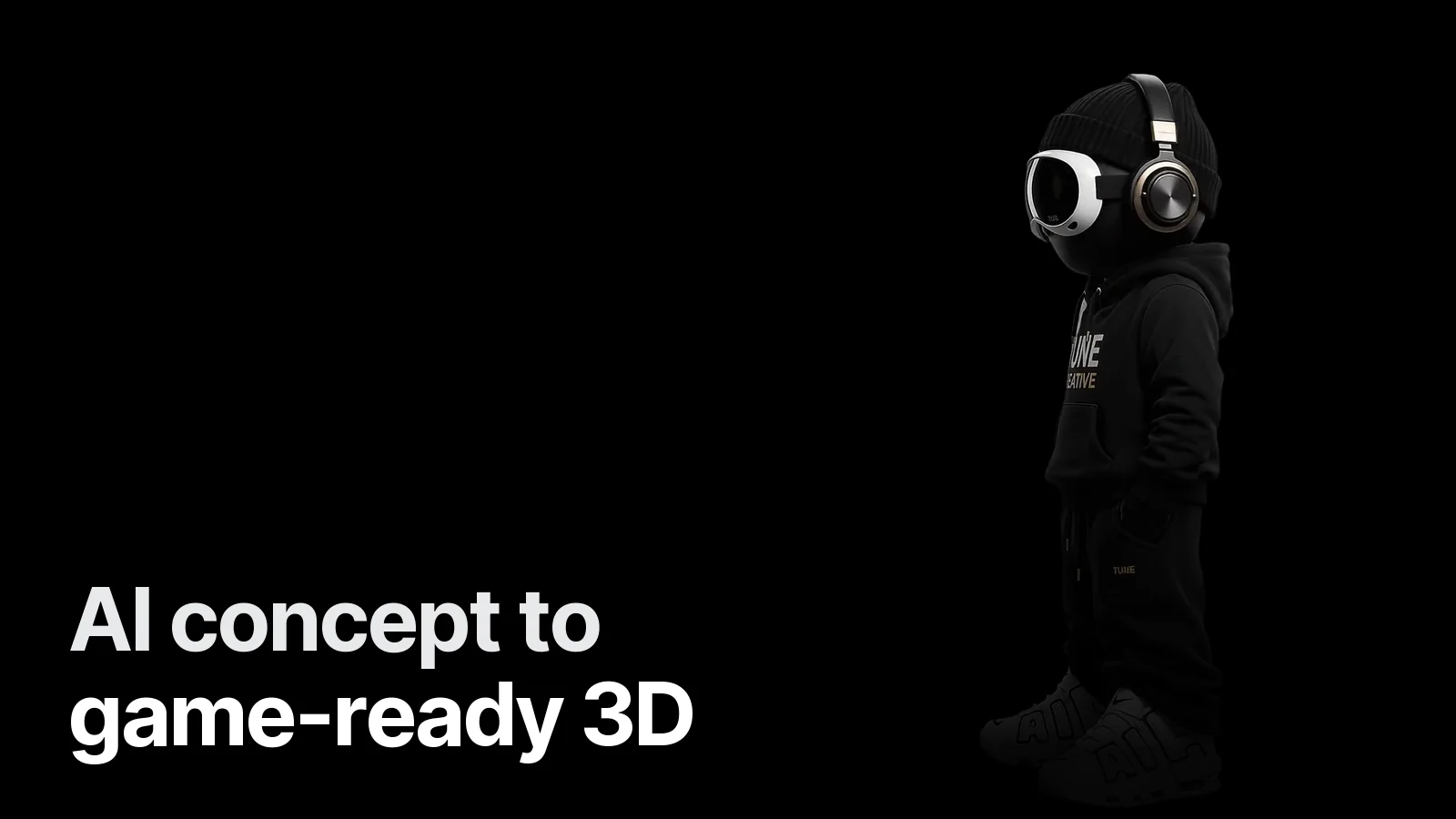
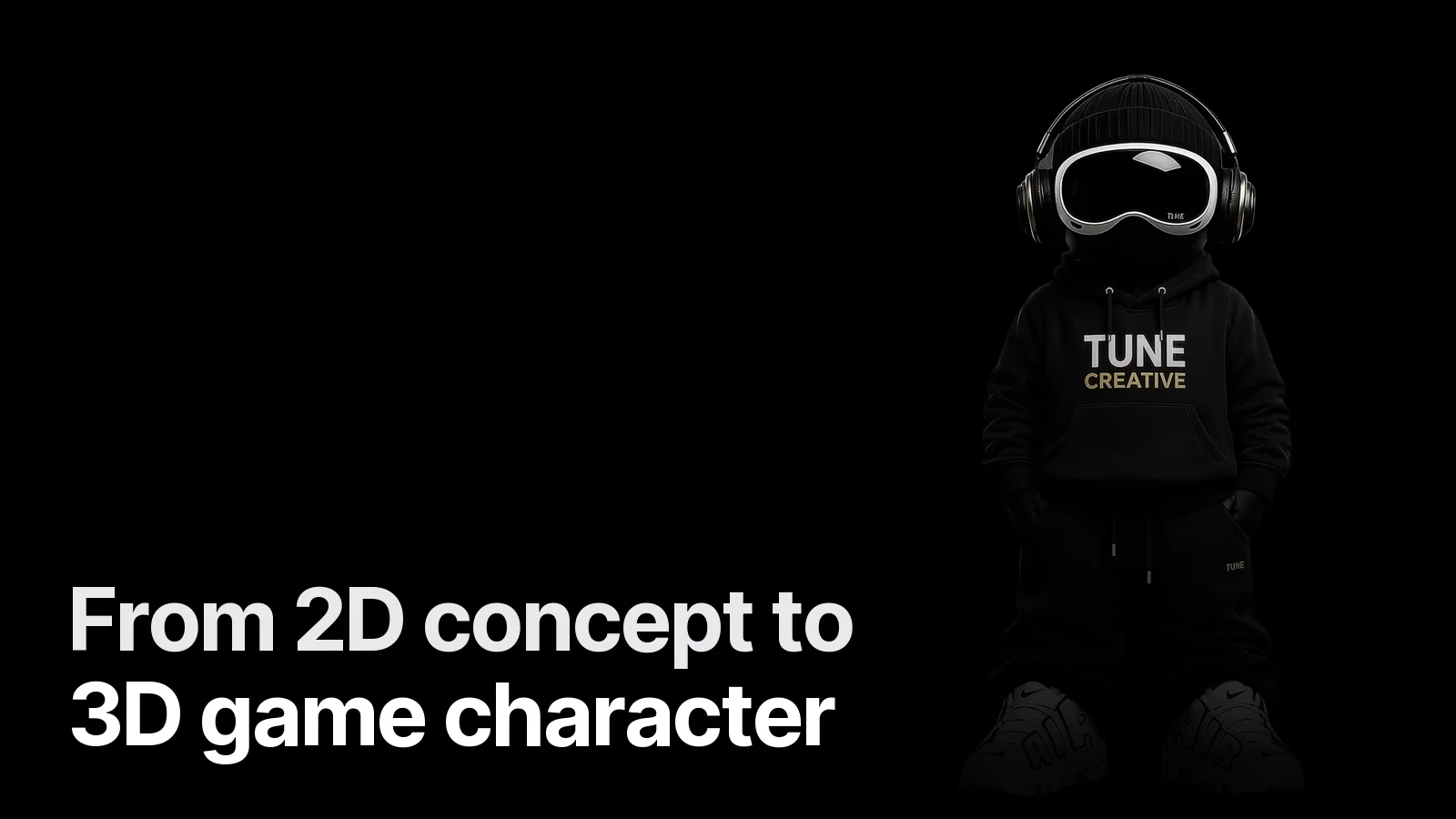
The details that make a character theirs are usually few: a posture, a signature shape, one strong colour. We identify those first and protect them through every step. On our own mascot the hoodie lettering and headset shapes were the non-negotiables; everything else was allowed to simplify.
No concept yet?
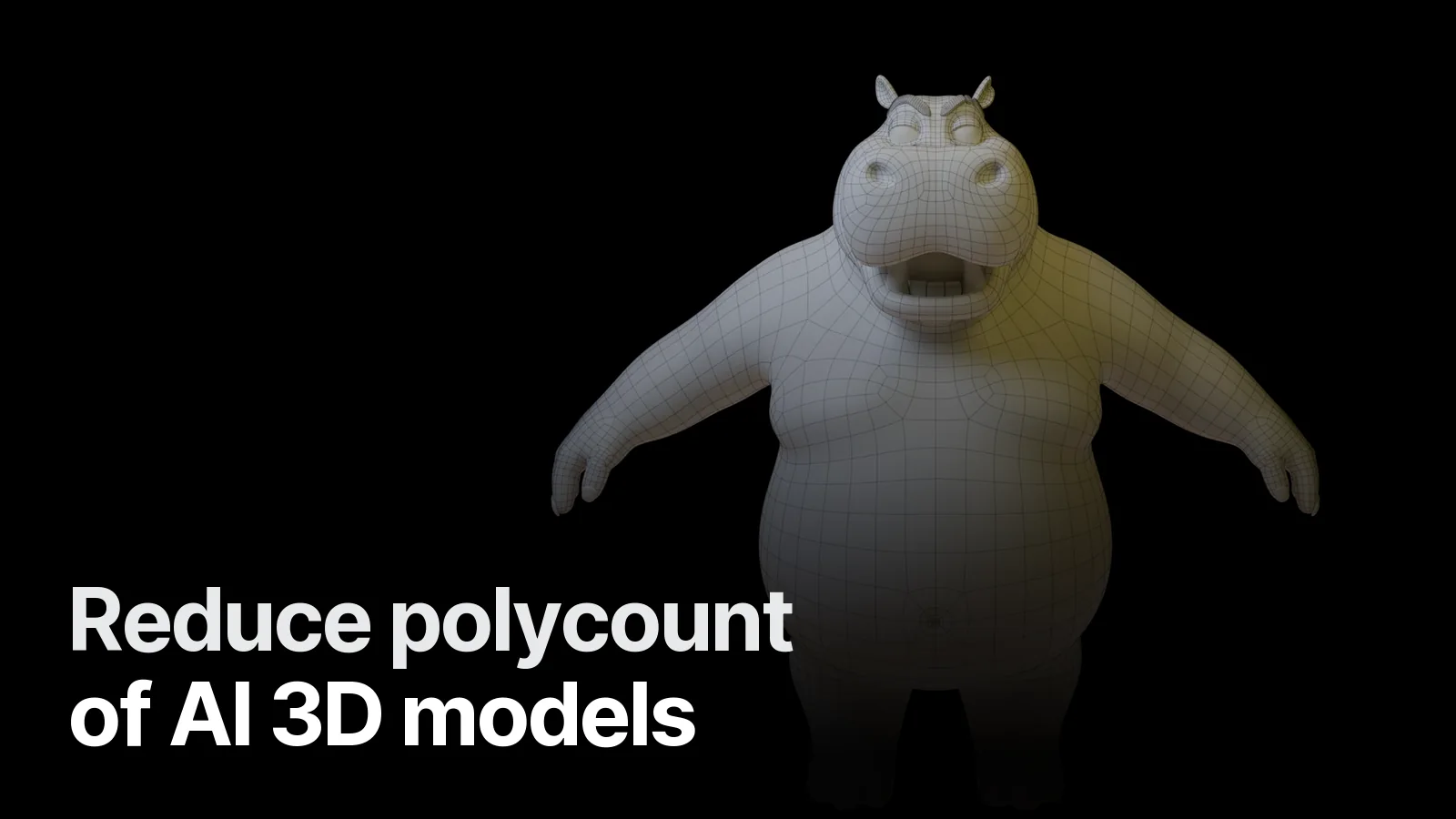
Send a written brief plus reference images — genre, personality, role in the game, three games you like. We can design the character, show options and then build it. Examples: Protocol Zel (stylised character + key art), Mafia Hippo (game-ready stylised character).
Working with us
See how to commission a 3D game character for the full checklist, the Game & 3D page, or send your concept on WhatsApp — we reply with questions, scope and a quote within 24 hours.
Frequently asked
1.Can a 3D artist work from a single front drawing?
Yes, but the artist has to invent the side and back, so expect one more approval round. A front + side view (or a turnaround) removes most of the guesswork.
2.Why does my character look different in 3D?
2D drawings cheat perspective — eyes, hair and hands are often drawn in ways that are impossible in 3D. A good 3D artist keeps the feeling, not every line. Blockout approval from several angles catches this early.
3.Do I need concept art before ordering a 3D character?
No. At Creatune we can design the character from references and a written brief, then show sketches or a quick blockout before modelling.
4.What files do I get at the end?
A game-ready mesh as FBX and GLB, the texture set (PBR, hand-painted or flat), turntable renders, and optionally a rig and animations plus the .blend source.