Rigging a game character for Unity and Unreal: skeletons, weights, root motion and export
What a game-ready character rig needs: Unity Humanoid vs Generic, Unreal skeleton compatibility, bone counts, skin weights, root motion, facial rigs, and how to export from Blender without broken scale or rotation.
Short answer: a game-ready rig is a clean skeleton your engine understands, smooth skin weights, correct scale and orientation, and only the bones you need. For humans in Unity choose a Humanoid-compatible skeleton; for Unreal match the Mannequin or plan retargeting; for creatures use a Generic/custom skeleton.
Before rigging: the mesh must be ready
- Edge loops at shoulders, elbows, wrists, hips, knees and (if it talks) the mouth.
- T-pose or A-pose, symmetrical, facing the engine's forward axis.
- Applied transforms, 1 unit = 1 metre, feet on the origin.
A mesh without deformation loops cannot be fixed by rigging. That is why we plan topology with the rig in mind — see commissioning a 3D game character.
Unity: Humanoid or Generic
| Humanoid | Generic | |
|---|---|---|
| Use for | Human-shaped characters | Creatures, animals, robots, props |
| Retargeting | Yes, between any Humanoid | No (same skeleton only) |
| Asset Store animations | Work out of the box | Need the same skeleton |
| Minimum bones | Hips, spine, chest, neck, head, arms, legs | Anything |
Mobile tip: Unity's quality setting can limit skin weights to 1, 2 or 4 bones per vertex. We weight for your setting so nothing breaks when it is lowered.
Unreal: skeleton compatibility
- Matching the Mannequin hierarchy lets you use Unreal's animation library and marketplace animations.
- A custom skeleton is fine with the IK Retargeter; we provide the IK chain setup notes.
- Include a root bone at the origin — required for root motion and good practice anyway.
Root motion or in-place?
- In-place animations: the code moves the character. Simpler for most gameplay.
- Root motion: the animation moves the root bone; the engine follows. Better for precise attacks, dodges, climbing.
Tell us which your controller uses — it changes how every clip is authored.
Faces
- Blend shapes (shape keys) for expressions and lip-sync; light and precise.
- Facial bones when expressions must blend with body animation or for engines/pipelines that prefer bones.
- Stylised mobile characters often need only blink + 3–5 expressions.
Export from Blender without surprises
- Apply scale and rotation; export with the correct forward/up axes for the target.
- Do not export control bones (IK targets, poles) unless the engine needs them.
- One FBX for the mesh + skeleton, animations as separate clips or named actions.
- Test import in the real engine before signing off — we send a short video of the character playing its clips in-engine.
Working with us
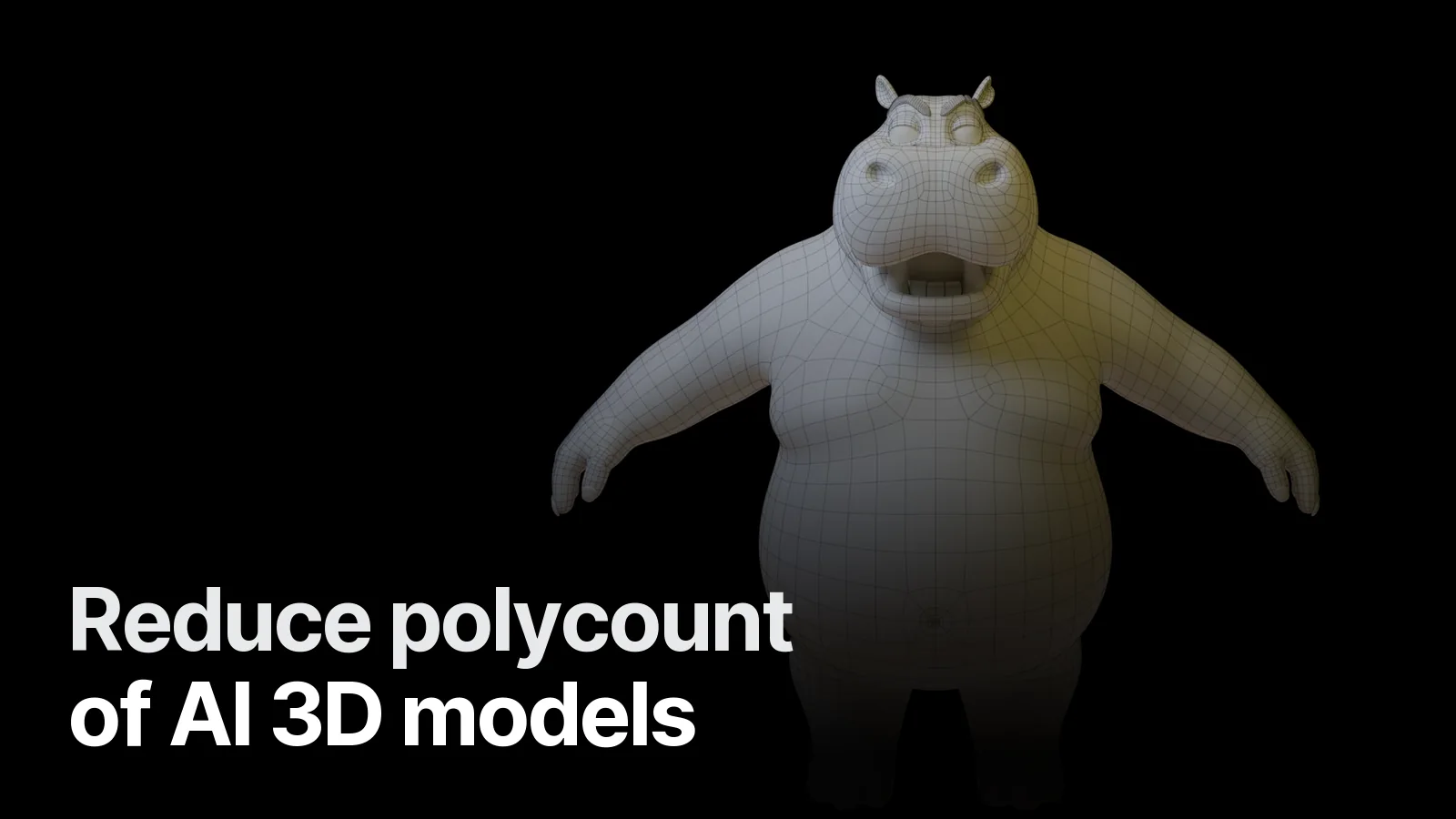
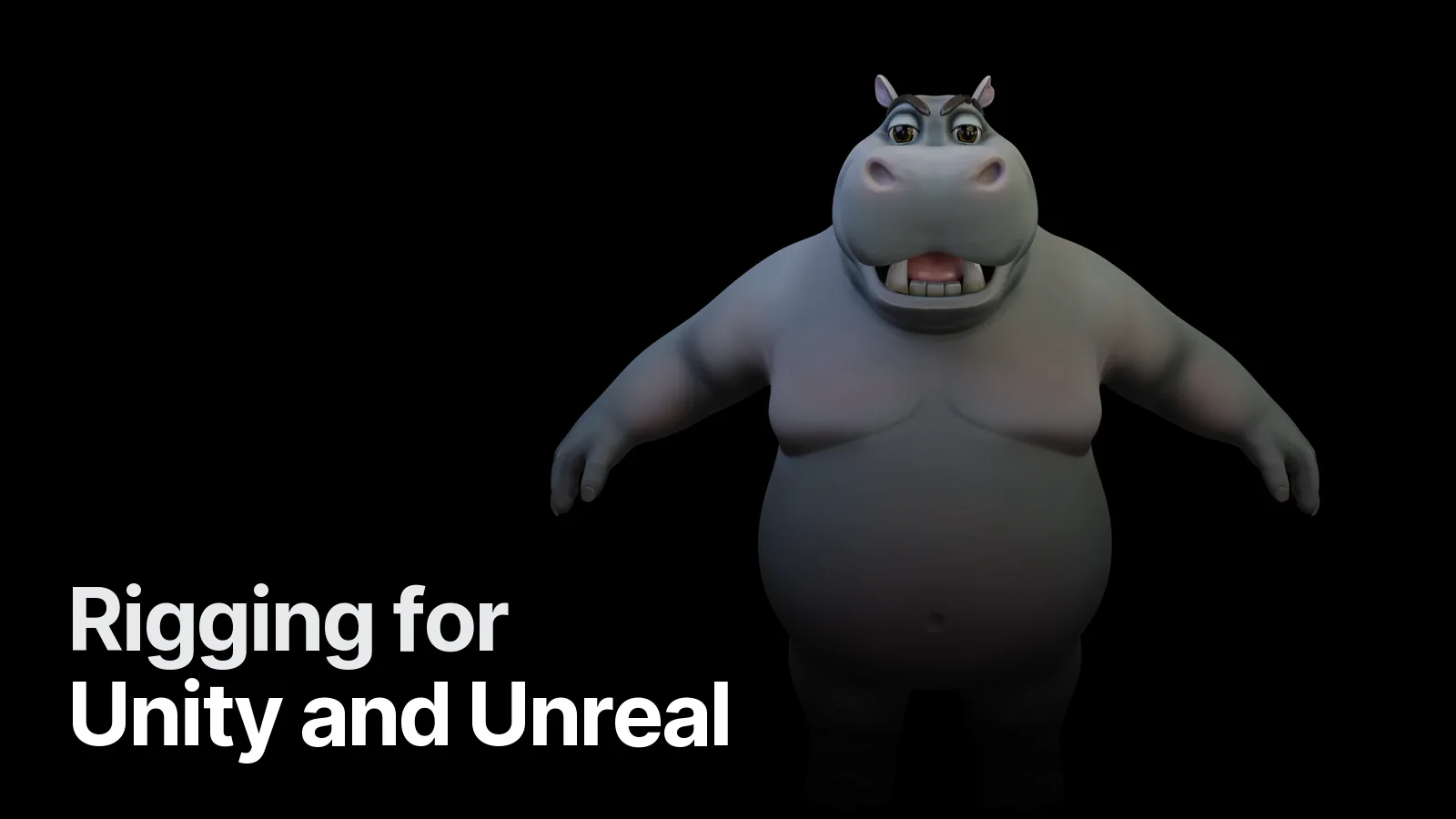
We rig and animate stylised and realistic characters in Blender for Unity, Unreal and Godot. Examples: Mafia Hippo (wireframe and rig views in the detail). See the Game & 3D page or send your character and engine on WhatsApp.
Frequently asked
1.What is the difference between Unity Humanoid and Generic rigs?
A Humanoid rig maps your bones to Unity's standard human skeleton, so animations can be retargeted between characters and store animations work. Generic keeps your own bone structure — needed for creatures, animals and non-human characters.
2.Can my character use Unreal's Mannequin animations?
Yes, if the skeleton follows a compatible structure or you use Unreal's IK Retargeter. We can build the rig to match the Mannequin hierarchy and proportions, or set up retargeting for a custom skeleton.
3.How many bones should a game character have?
Around 20–30 for simple mobile characters, 50–75 for a typical PC/console hero body, plus 20–60 more if the face is rigged with bones. Only bones that deform the mesh or drive gameplay should be exported.
4.Do you animate as well as rig?
Yes — a base set (idle, walk, run, jump, attack, hit, death) or a custom list, delivered as separate FBX clips or in one file with named actions.