Retention editing for YouTube: how editing keeps viewers watching
How editing raises YouTube audience retention: the first 30 seconds, scene-change rhythm, open loops, chapter markers, sound and the gap rules. A practical list for documentaries and explainers.
YouTube decides how many people to show a video to largely by watch time. The thumbnail earns the click; the edit keeps the viewer. Retention editing means doing that second job on purpose. These are the rules we apply to documentaries and explainers.
1. The first 30 seconds: promise + proof
The open says why the video is worth watching, and shows it. Ferrari vs Lamborghini opens on the profit-per-car gap between the two brands — the number is on screen in the first scene. Greetings, "don't forget to subscribe" and a table of contents come later.
2. Rhythm: meaningful change
In a dense documentary, a new image every 3–6 seconds. But not at random: tied to the word. "Factory" brings the factory, "profit" brings the counter. Meaningless rapid cuts tire; meaningful change holds.
3. Open loops
"We'll see why in a moment" — leave a question in the viewer's head. The answer arrives a minute or two later, and a new question opens before it does. In documentary episodes, chapter titles make these loops visible.
4. An anchor graphic
Viewers stay when they know where they are. In the noir documentary a six-tier pyramid lights one level per chapter; the viewer sees progress. A recurring graphic of your own is the map of a long video.
5. Motion, never a frozen frame
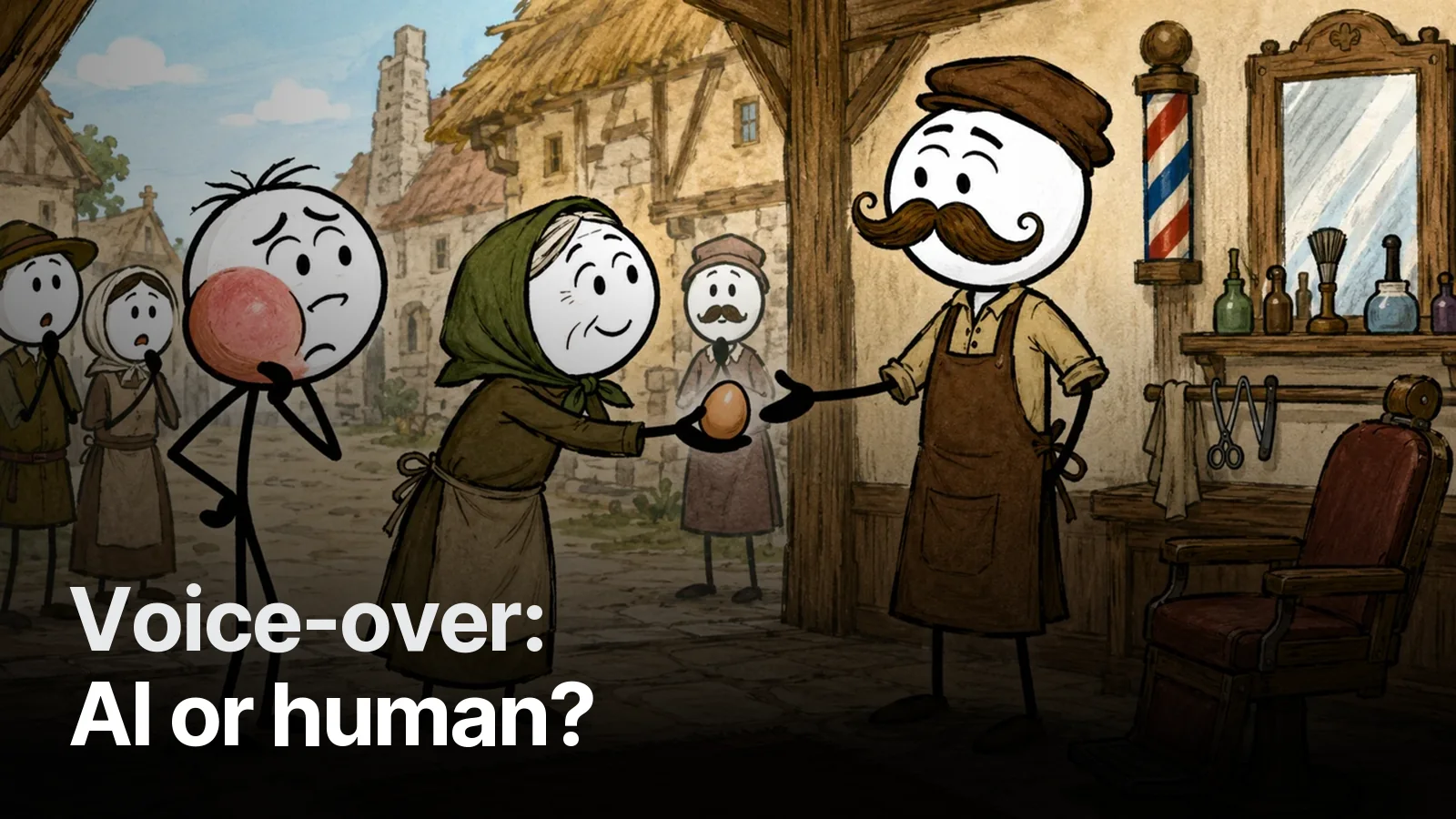
A still image dies after about four seconds. Slow push-ins, parallax layers, character micro-motion. In our stickman videos the character never freezes: it breathes, blinks, shifts its weight.
6. Sound: the ear carries the rhythm
Music low under the voice, a long breath at chapter breaks, a short pause between sentences; risers and impacts at tension points. Details: sound design for documentaries.
7. What we never do
| Mistake | Why viewers leave |
|---|---|
| A repeated scene to fill a gap | "I just saw this" — trust breaks |
| The same image in neighbouring scenes | The video feels stuck |
| On-screen text under 1.5 s | Unreadable, irritating |
| Cuts that drift off the words | A sense that something is wrong |
Measure and fix
YouTube Studio → Analytics → audience retention: sharp drops mark the problem spot in the edit. Go to that second — it is usually a drawn-out explanation or a frozen scene.
Let us edit your episodes by these rules: Video & YouTube editing.
Frequently asked
1.What is retention editing?
Editing aimed at keeping viewers in the video longer: a strong open, frequent and meaningful scene changes, questions answered later, chapter markers, sound hits, and cutting every unnecessary second.
2.What should the first 30 seconds contain?
The video's promise and one image that proves it. Greetings, channel intros and 'in this video we'll cover' lists don't go in the first seconds; viewers drop.
3.How often should scenes change?
In a dense documentary a new image every 3–6 seconds works well. Calm narration is fine with one scene per sentence; what matters is that each change is meaningful — tied to the word being said.
4.Does music affect retention?
Yes. Music at one constant level tires the ear; music low under the voice, lifting at chapter breaks, with risers and impacts at tension points, keeps viewers alert.