Game key art and store visuals: capsule art, screenshots and 3D renders that get wishlists and installs
What a game needs on Steam, App Store and Google Play: key art, capsule images, screenshots, feature graphics and 3D character renders — what each one does, how they are made from your 3D assets, and common mistakes.
Short answer: store visuals are the first — and often only — thing a player sees before deciding to wishlist or install. You need one strong key art image (hero + logo), resized and recomposed into every capsule and banner, plus screenshots that show the game's promise in one glance. If your game is 3D, the fastest consistent route is to render key art from the game's own assets.
What each visual does
| Visual | Where | Job |
|---|---|---|
| Key art | Everywhere | Sets the identity: who, where, what mood |
| Capsule images | Steam (header, small, main, vertical) | Get clicked among dozens of other games |
| App icon | App Store / Google Play | Recognisable at 60 pixels |
| Screenshots | All stores | Show gameplay and the promise |
| Feature graphic | Google Play | Banner above the listing |
| Trailer / preview | All stores | Movement, feel, hook in the first seconds |
Key art from 3D assets
- Choose the moment — the character doing the thing the game is about.
- Pose the game character (rigged or re-posed) with a strong, readable silhouette.
- Light for mood — rim light to separate the hero, colour contrast for the logo area.
- Render at high resolution and composite effects, depth and atmosphere.
- Leave logo space and plan crops for every capsule size before rendering.
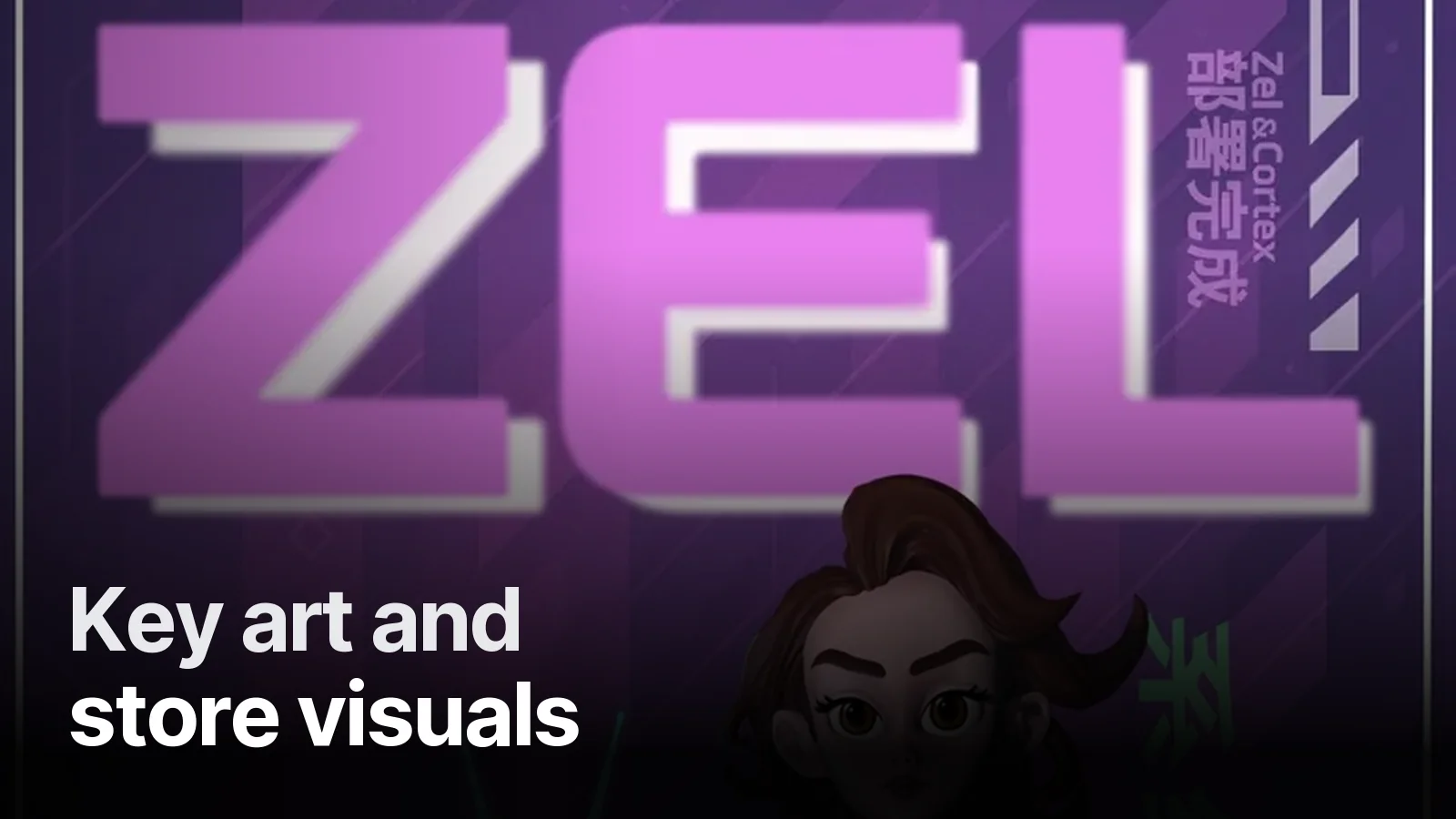
Our Protocol Zel poster is an example: character design, pose and composition built together. For characters without a model yet, see from 2D concept to 3D character.
Screenshots that convert
- First screenshot = the hook. The most exciting, clearest moment — not the menu.
- One idea per image with a short caption ("Build your own graveyard", "Tame 30 creatures").
- Readable at thumbnail size. Test at the size the store shows them in search.
- Real gameplay, well framed. Composited marketing shots are fine, but must honestly represent the game.
Common mistakes
- Key art that is too detailed to read as a small capsule.
- Logo placed last, covering the character's face in some crops.
- Five similar screenshots instead of five different reasons to play.
- An app icon with tiny text nobody can read.
Motion helps
Short loops — a character idle, a shader glow, a logo sting — work on social media, store trailers and ad creatives. We produce those too: logo intro animation and shader & VFX loops.
Working with us
We make 3D renders, key art compositions and short animated clips from game assets, delivered at store sizes. See the Game & 3D page, or send your game and store links on WhatsApp.
Frequently asked
1.What is game key art?
The main promotional image of a game — usually the hero character or a signature scene with the logo. It is reused across the store page, capsule images, social media, trailers and press kits.
2.Can key art be made from existing 3D game assets?
Yes. Posing and lighting your in-game 3D characters and scenes for high-resolution renders is often faster and more consistent than painting from scratch, and keeps marketing faithful to the game.
3.What store visuals does a mobile game need?
An app icon, 3–8 screenshots (portrait or landscape), a Google Play feature graphic, and optionally a preview video. Screenshots with short benefit captions usually convert better than raw gameplay frames.
4.Does Creatune make store visuals?
We produce 3D renders, key art compositions and animated clips from game assets — our own or yours — and deliver them at the sizes each store requests.